Easily search and identify top candidates from competitor companies, helping you speed up the headhunting process and secure the right talent faster.

Written by Bharti Nakum
Hector helps you find top candidates directly from competitor companies. It’s an intelligent agent that speeds up your headhunting process by automatically searching LinkedIn and identifying professionals who fit your job requirements.
You can use Hector to:
Discover candidates working in specific competitor companies.
Match based on job title, city, experience, and industry.
Save unmatched candidates for future opportunities.
Detect “Open to Work” candidates from LinkedIn.
Step 1: Select a Job Title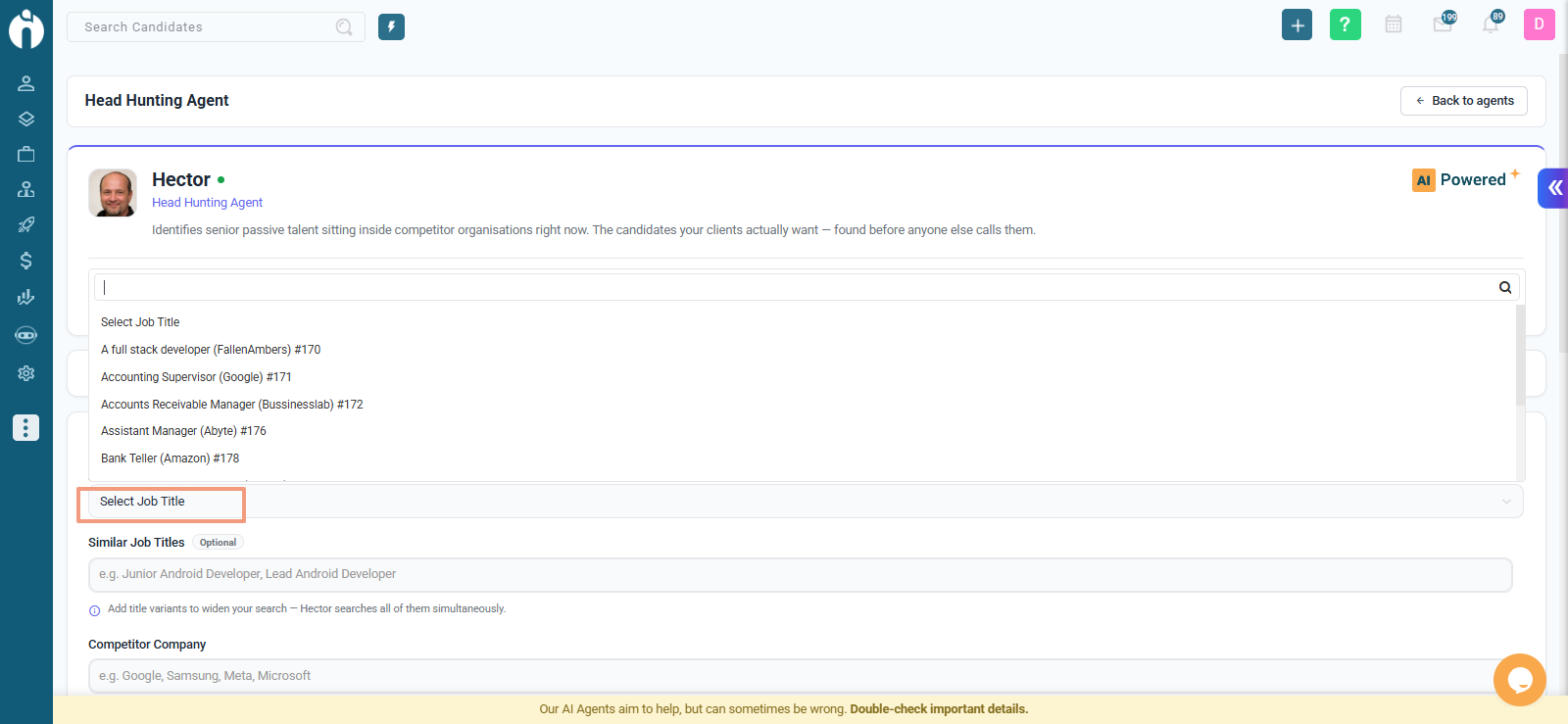
From the Job Title dropdown, choose the active job you want to source candidates for.
Make sure the job title is correct, as Hector uses it to find matching profiles.
Step 2: Add Similar Job Titles.png)
In the Similar Job Titles field, you can enter up to five alternate titles related to your role.
Click Fetch Similar Job Titles to automatically get suggestions.
Hector will look for candidates with these titles on their profiles.
Note: The button will appear after you select a job title.
Step 3: Add Competitor Companies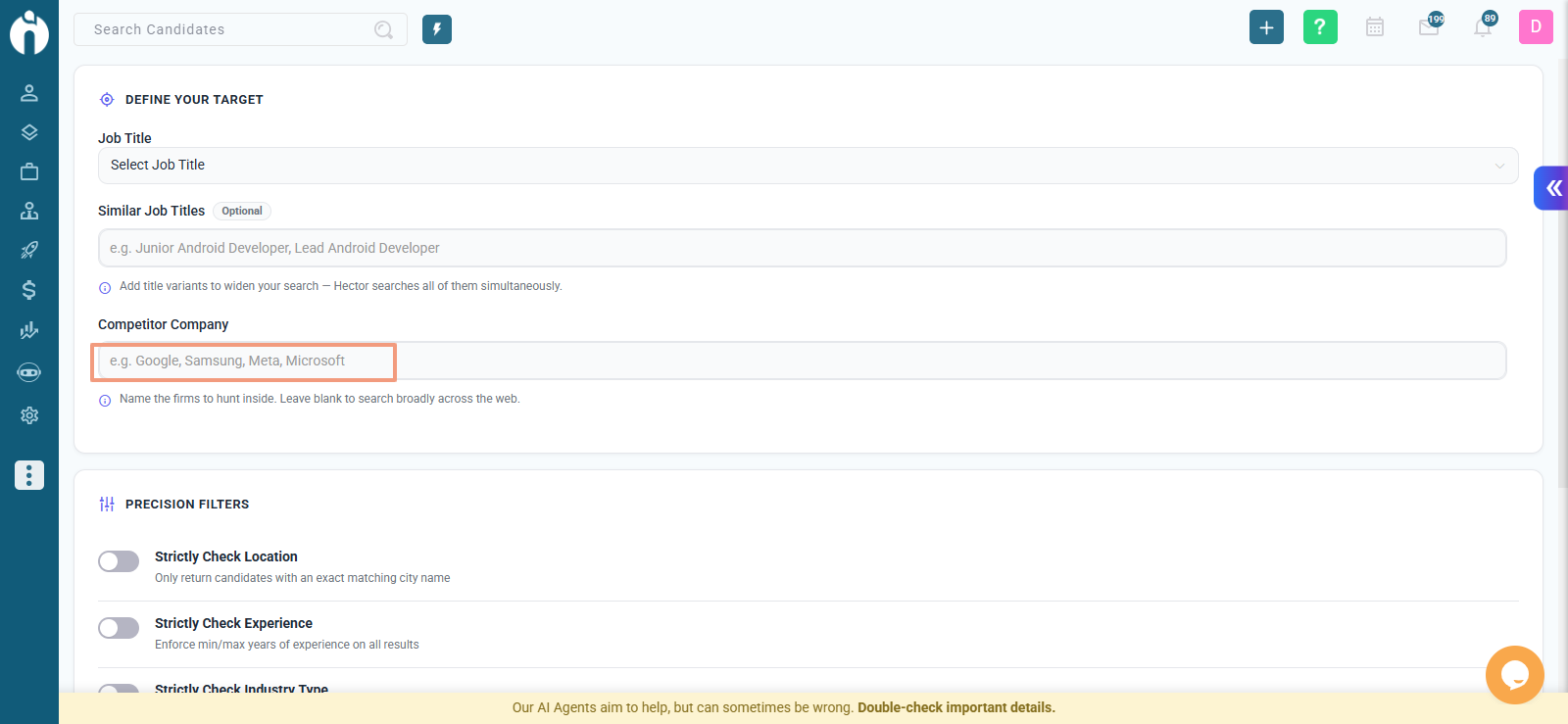
In the Competitor Company Name field, add up to five company names you’d like Hector to search from.
You can also click Fetch Competitor Company to get automated suggestions.
Note: The button will appear after you select a job title.
Step 4: Add a City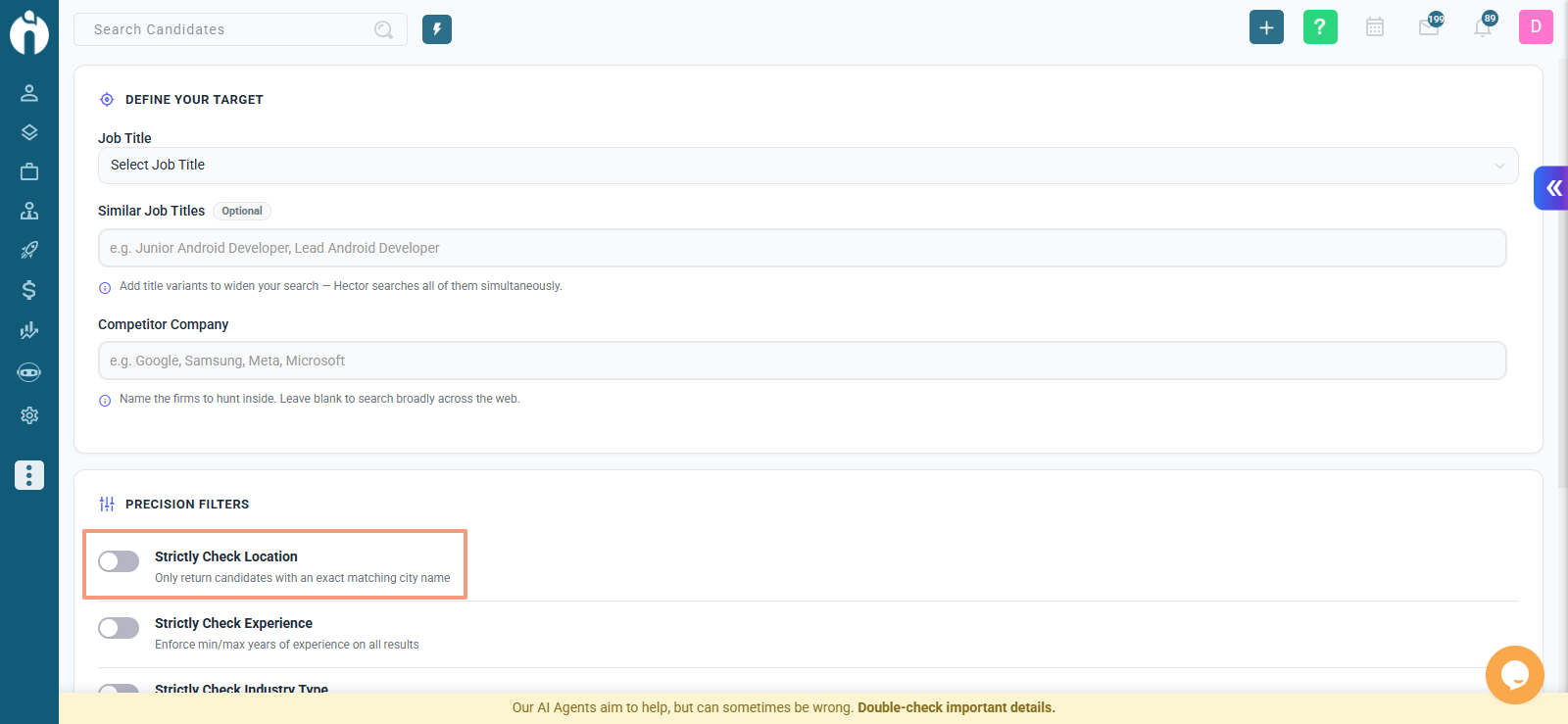
Enter the City Name where you want to find candidates.
Turn on Strictly Check Location if you only want candidates from that exact city.
Step 5: Add Experience Range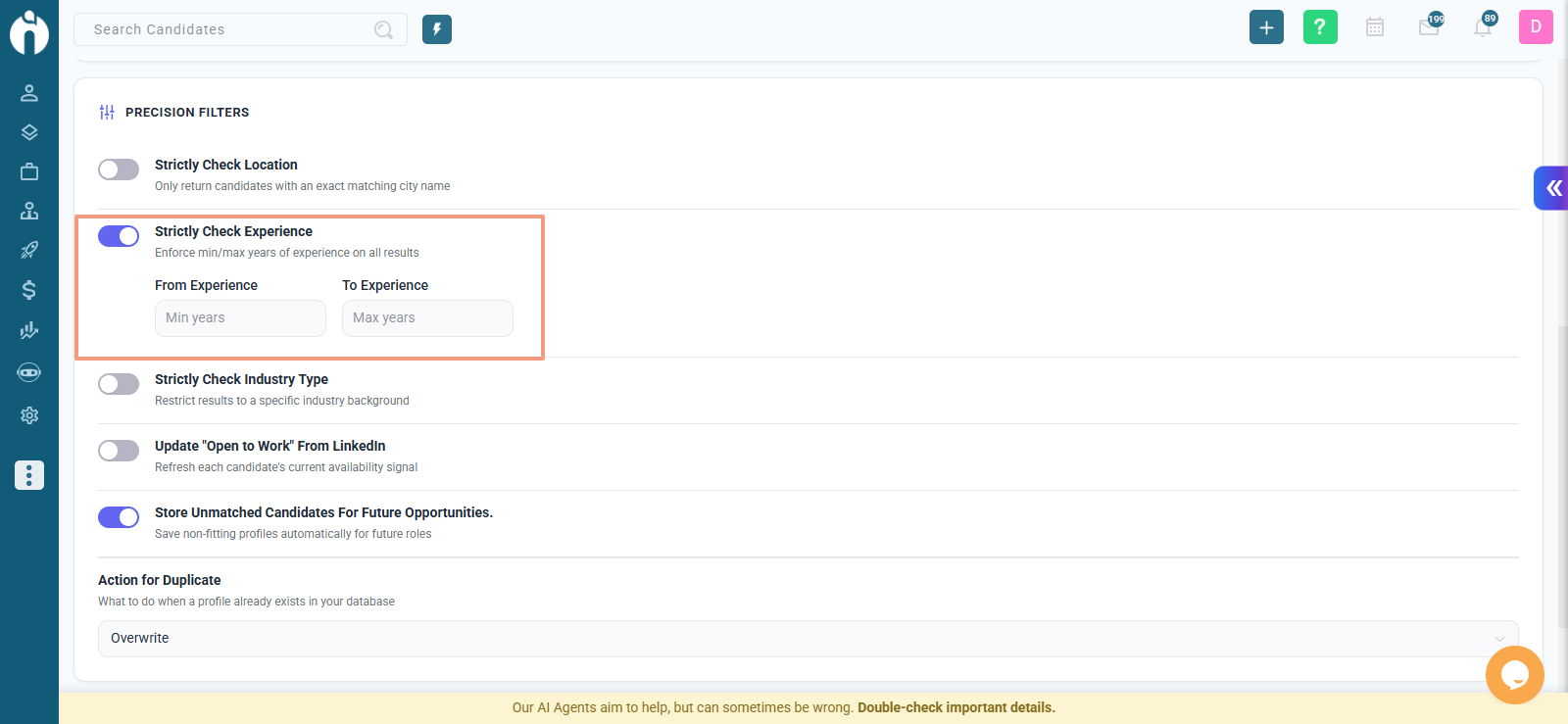
Set the From and To experience range.
Turn on Strictly Check Experience to get candidates with exact experience levels.
Step 6: Choose Industry Type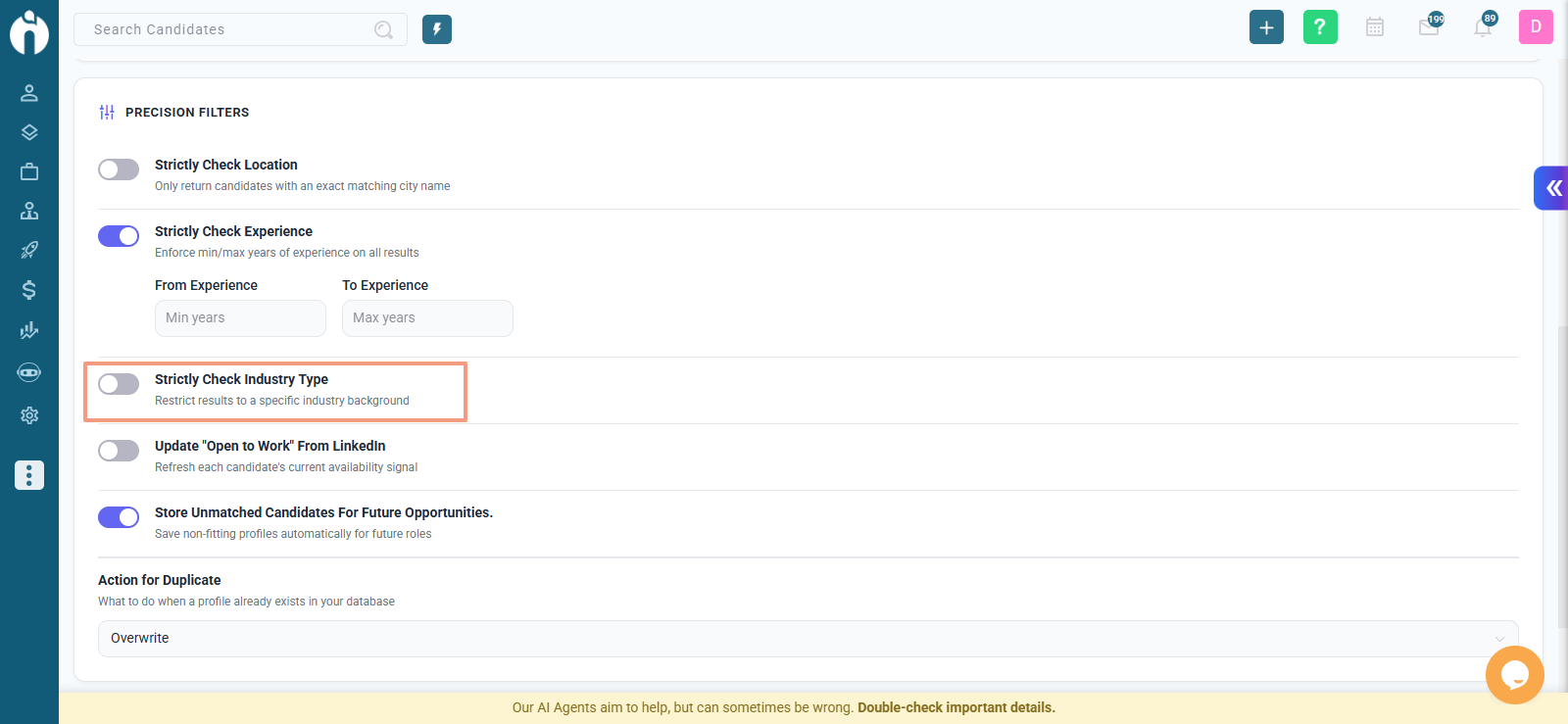
Select the Industry Type related to your job (e.g., IT, Marketing, Finance).
You can turn on Strictly Check Industry Type for exact matches.
Step 7: Optional Settings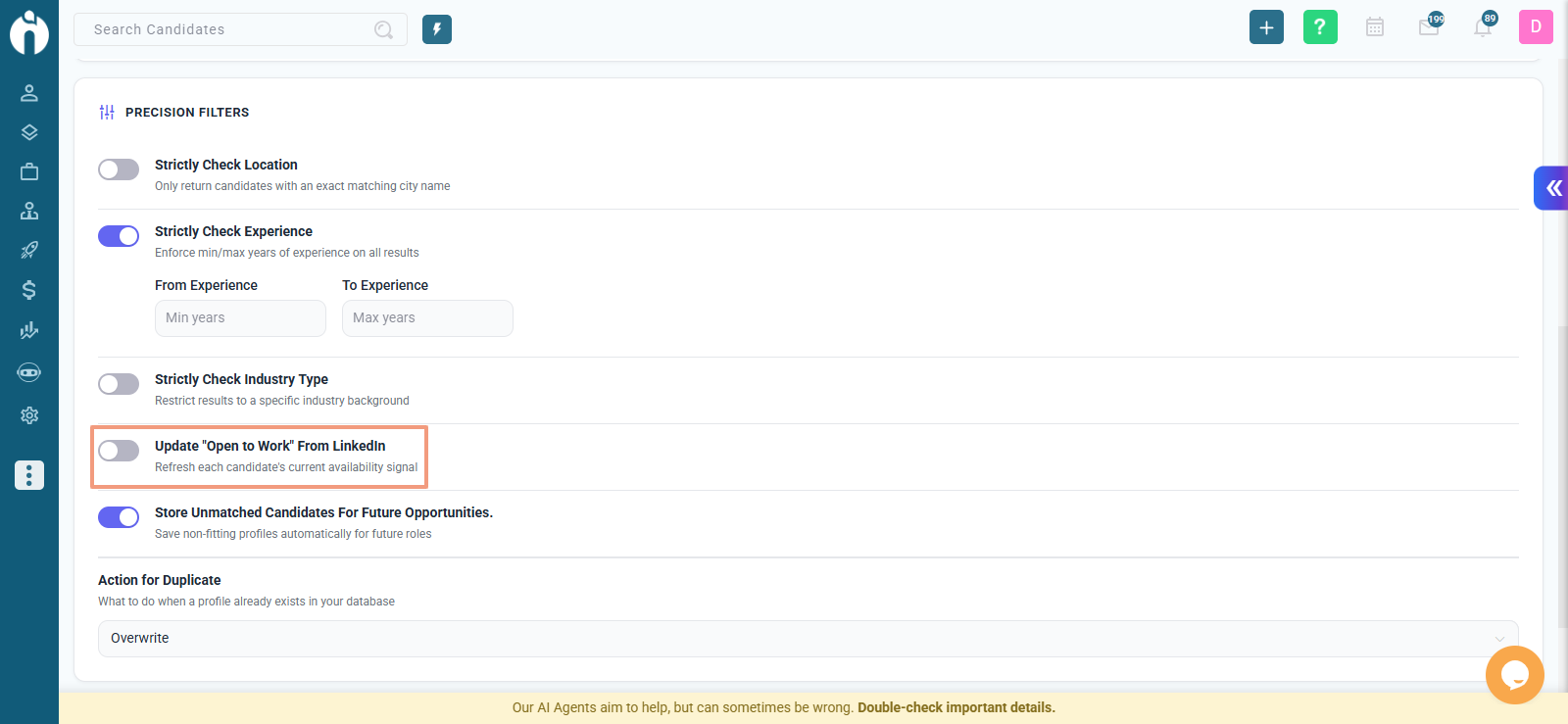
Open to Work (LinkedIn):
Turn this on if you want to include candidates who are marked as “Open to Work” on LinkedIn.
Note: Using this feature may use extra AI credits.
Action for Duplicate:
Decide what Hector should do if it finds duplicate candidates:
Clone: Add as a new record.
Ignore: Skip duplicates.
Store Unmatched Candidates:
Turn this on if you want to save candidates who don’t exactly match your job.
These can be reviewed later for other roles.
Note: Bydefault this switch should given on.
Step 8: Share and Run Hector
Turn on Share results with my team to let your teammates view the results.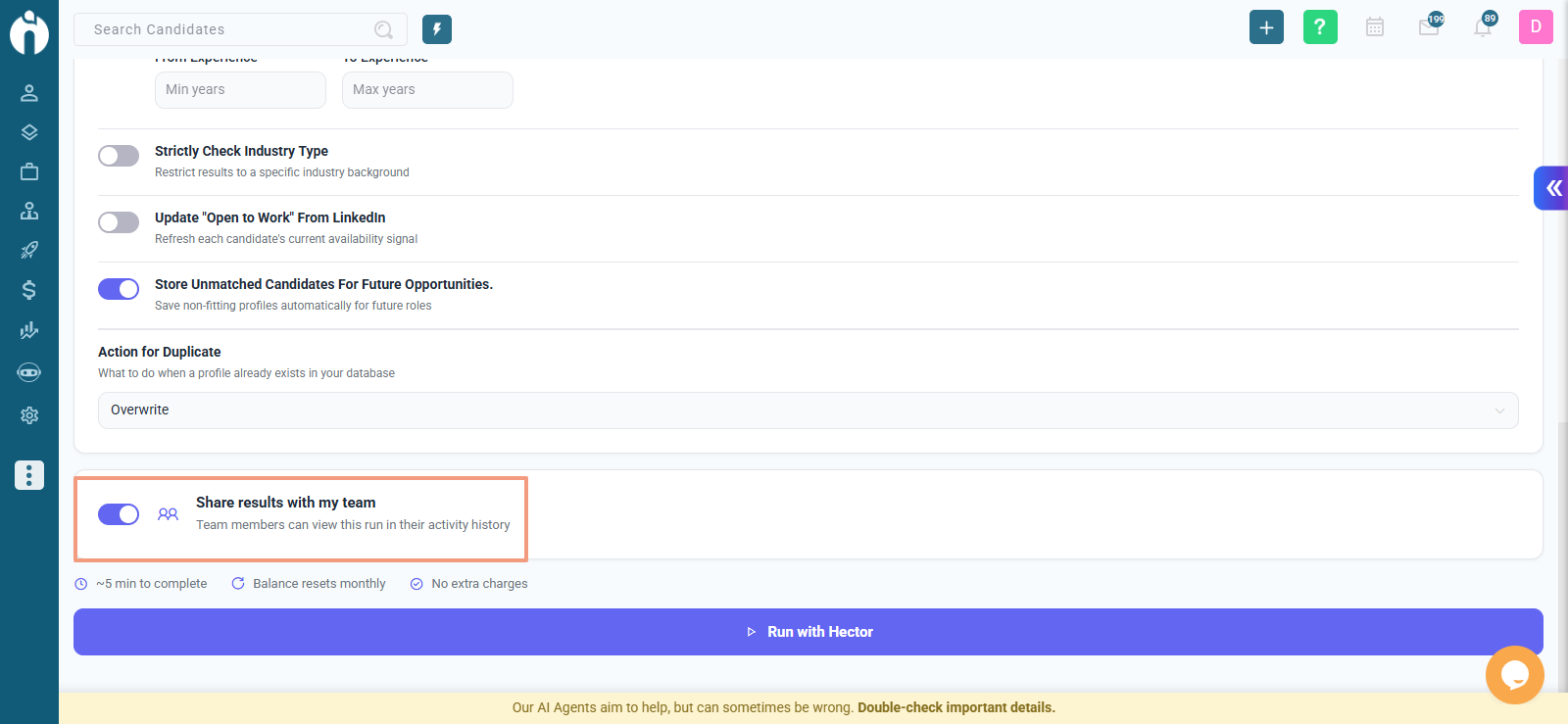
Click Run with Hector to start the search.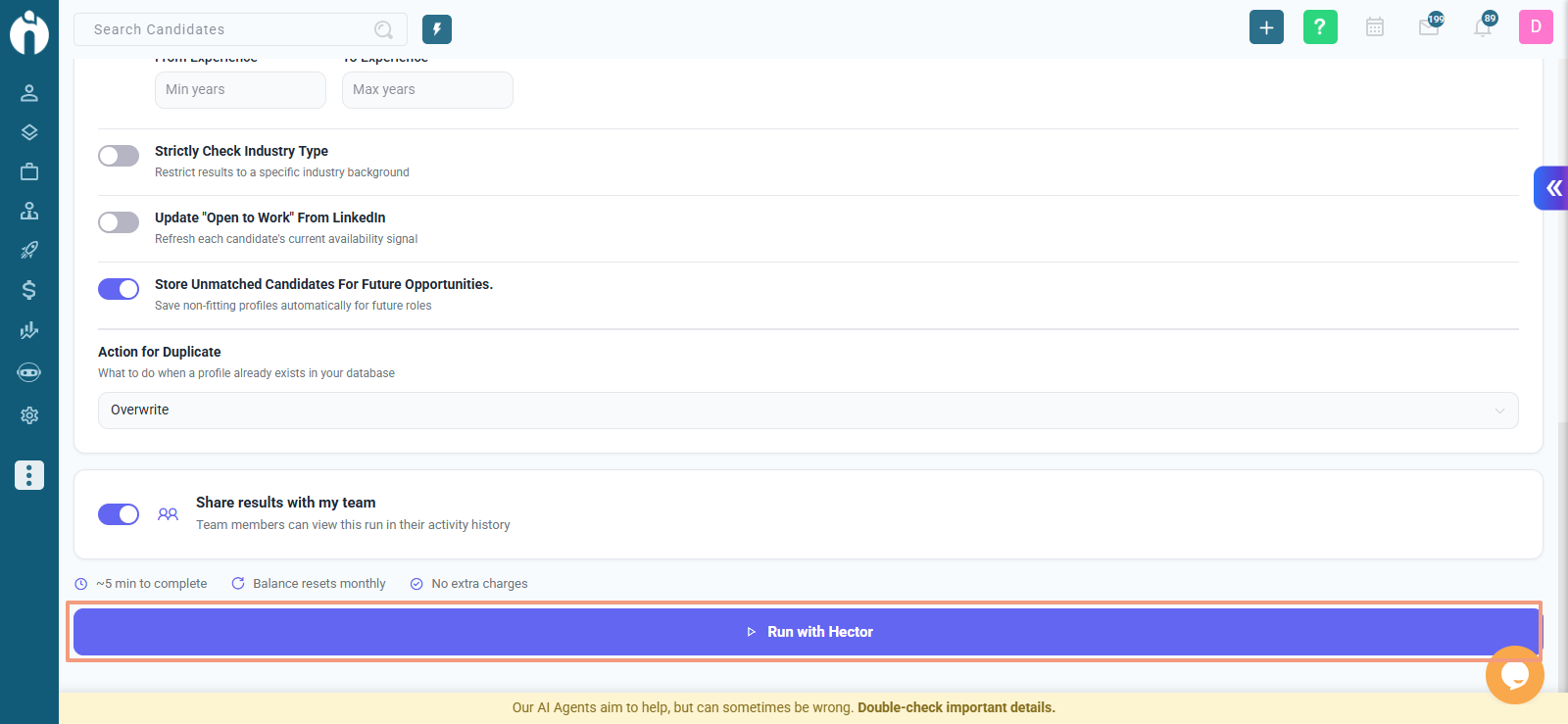
Once Hector finishes, you’ll see all sourced candidates under the Candidates tab of the selected job.
You can:
View total candidates sourced by Hector.
Click View Sourced Candidates to see detailed profiles.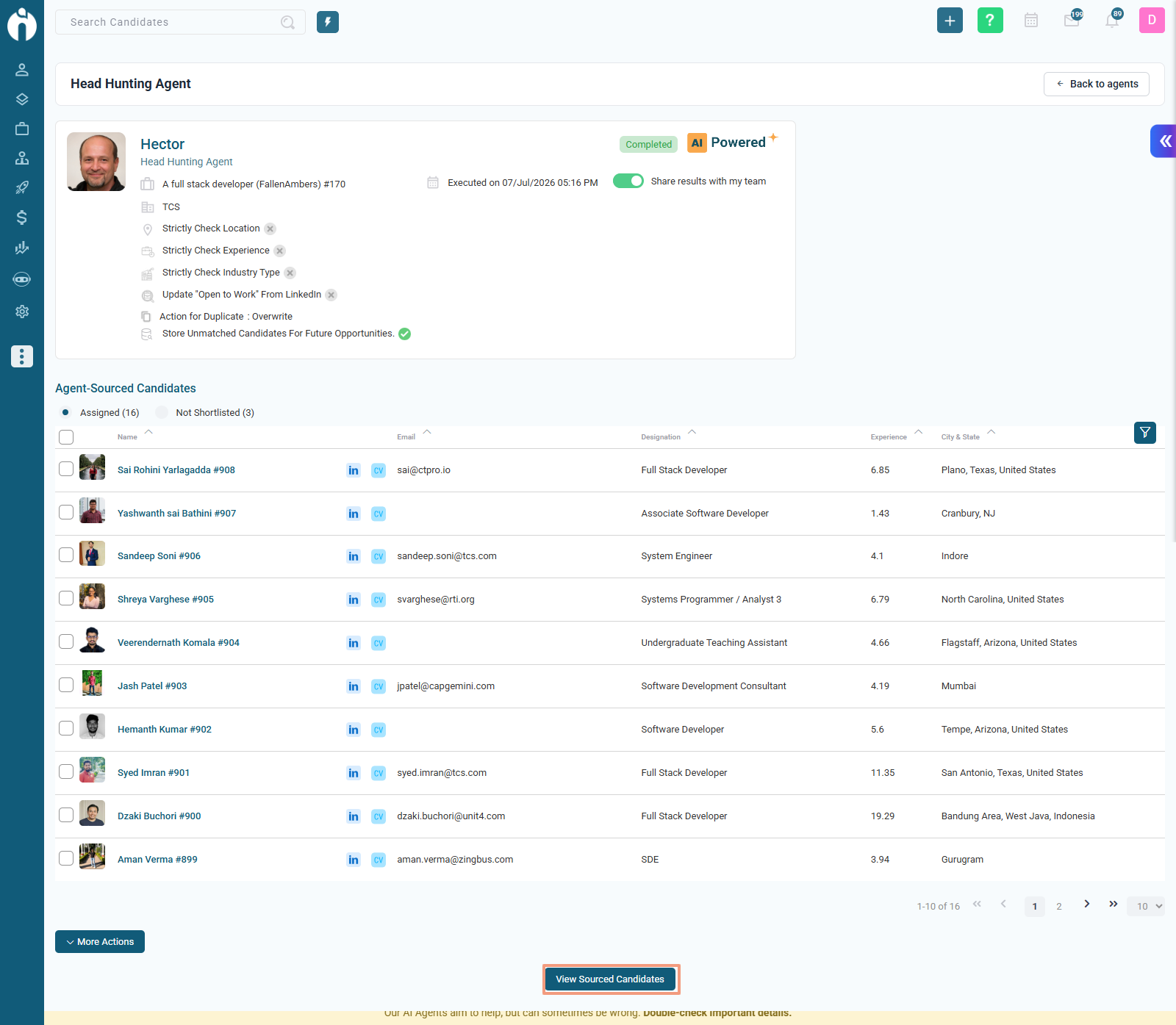
Review any notes Hector adds about candidate matches.
If you don’t see Hector in your account, contact your admin. Access to this agent can be enabled or restricted based on user permissions.
You can now run the Head Hunting Agent directly from:
Job List (List view & Grid View)
Job Dialog
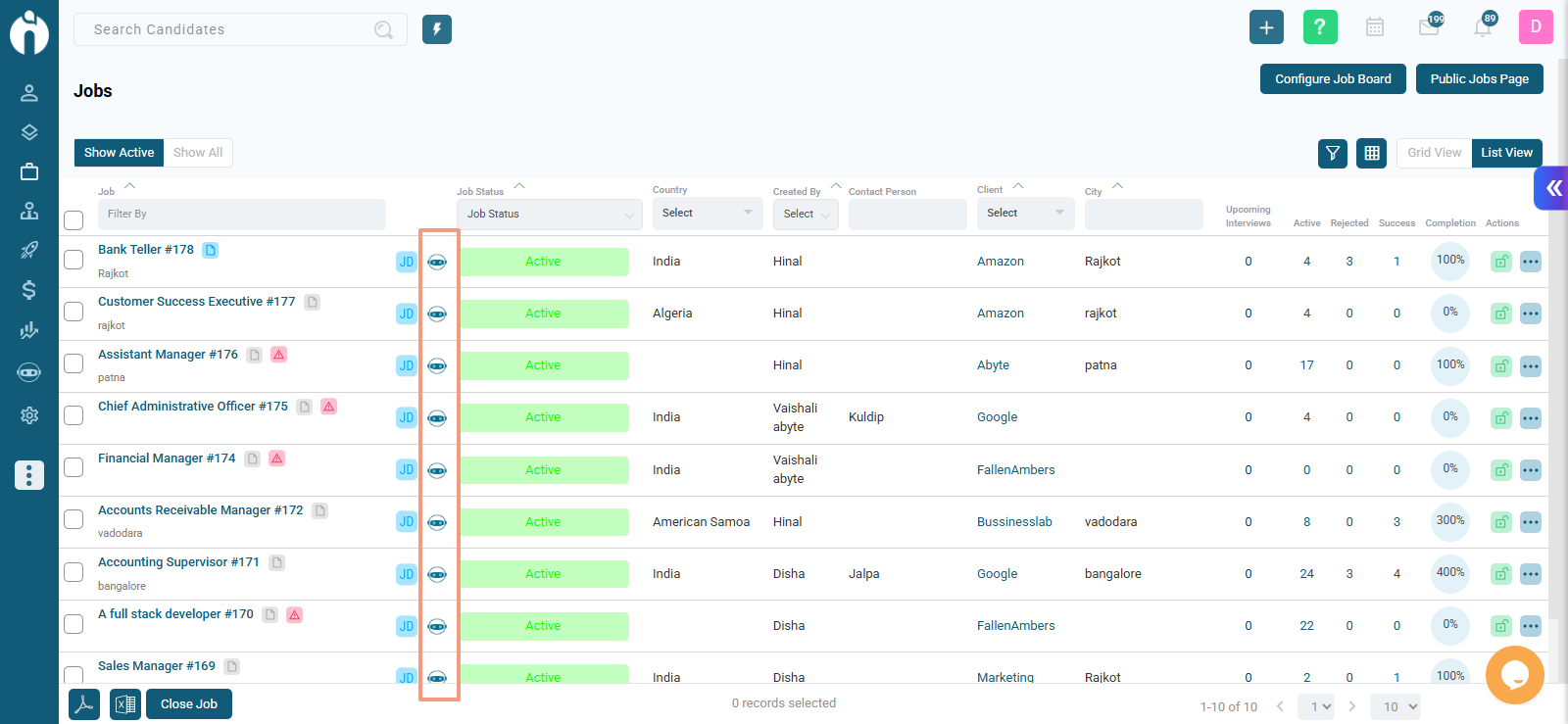
Where the Icon Appears
The Add Note icon is replaced with a Run Agent icon
You will also see the Run Agent icon next to the Job Description (JD) icon
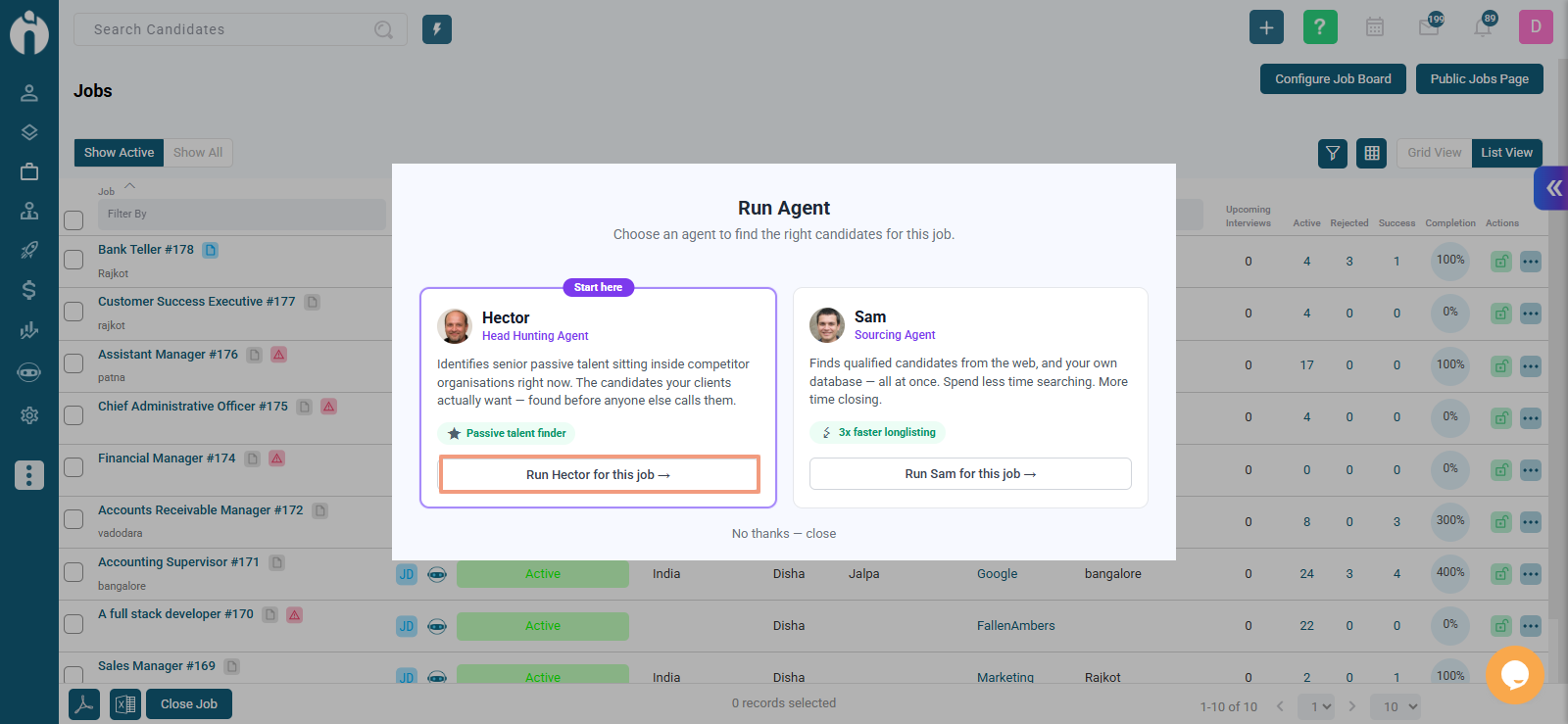
What Happens When You Click It
A dialog opens with:
A dropdown to choose:
Sourcing Agent
Head Hunting Agent
Run button
Close button
If you select Head Hunting Agent, the system redirects you to the Head Hunting Agent page and auto-fills the Job Name for you.
Faster Hiring: Automates candidate search from competitors in minutes.
Smarter Matches: Filters by role, location, experience, and industry for relevant results.
Future Talent Pool: Saves unmatched candidates for upcoming roles.
Team Collaboration: Lets you share results easily with your team.
LinkedIn Integration: Finds candidates who are “Open to Work” for faster outreach.
Hector makes headhunting simple, fast, and effective.
Just select your job, add competitor names or similar titles, and let Hector do the searching for you.
Within minutes, you’ll get a list of qualified candidates ready to review, contact, or shortlist for your next hire.